Hi. Thanks! Just one more thing we have to do to get the guide to you.
Check your email! You've just been sent an email that contains a confirmation link.
Click on the link in that email. When you click the link you will be taken directly
to the download page.
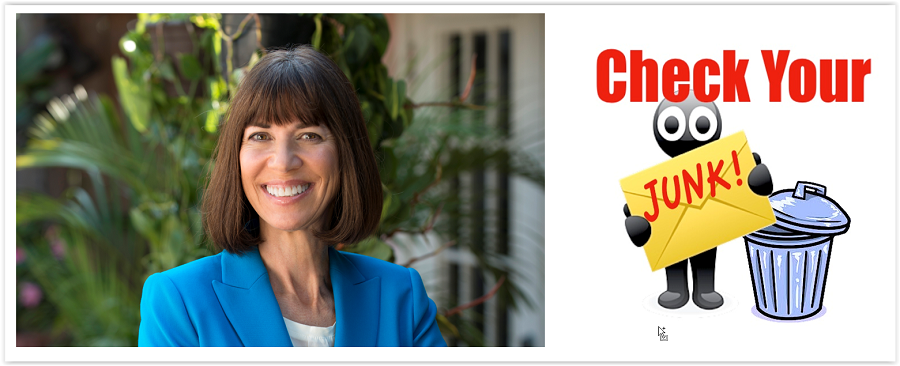
IMPORTANT: The email should already be in your inbox. If you don't see that email
in your inbox, check your spam/junk folder. If you find the email in the spam/junk
folder, be sure to mark it as "safe" or "not junk."
The only way you can be sure that you will always receive our emails is to tell your
email service that drkarenleggett.com@send.aweber.com is a "safe" sender. The
easiest way to do this is to create a contact called Dr. Leggett (or whatever you want)
and put both of the below email addresses in the contact (all email services allow you
to put more than one email address in a contact). That should do it!
drleggett@drkarenleggett.com
drkarenleggett.com@send.aweber.com
If you can't find the email anywhere, fill out the form again to have another
confirmation email sent to you.
Q: Why do we ask you to confirm via the email?
A: For your protection, we have to make sure that you entered your email address
correctly, and that we got it right.
Check your email!